
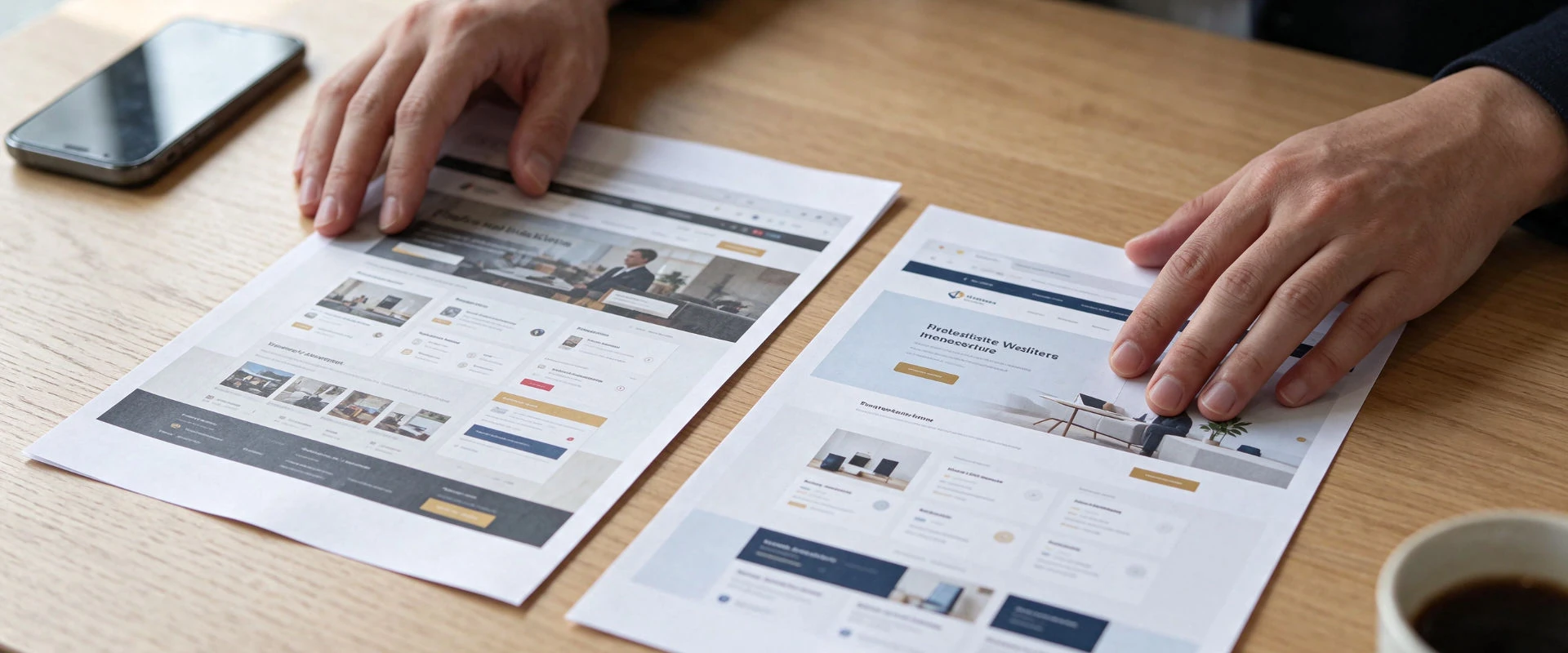
If your website is starting to feel dated, the next question is usually this: do you need a full redesign, or would a lighter refresh be enough?
The two are often talked about as if they were the same job. They are not. A refresh updates what you already have. A redesign rethinks how the site is structured, how it looks, and how visitors find their way around. Choosing the right one can save time, money and a lot of back-and-forth.
What's the difference?
A website refresh is a set of improvements to the site you have now. The page structure usually stays the same, and so do most of your page addresses. The work focuses on bringing the look up to date, fixing the most obvious problems, and updating content that is no longer accurate.
A website redesign starts from the same place, your current site, but goes further. It may reorganize your pages, change the navigation, and replace the visual design so the site better matches the business you run today. The aim is not to throw everything away. A careful redesign keeps the content, history and search value that still serve you, and improves what does not.
If you want a clearer picture of what a full redesign typically covers, we outline the essentials on our website redesign page.
When a refresh is enough
A refresh is often the right choice when the bones of the site are sound. You might need a refresh if:
- The site still explains what you do, clearly enough, but the design looks like it belongs to an earlier chapter of the business.
- Your services, locations and contact details are mostly current.
- The site works reasonably well on a phone, even if it could be tidier.
- Visitors can find the main pages without much trouble.
- You are mainly looking for a cleaner look, better photos, or a more consistent use of your brand.
In those cases, a full redesign can be more change than you need. Updating typography, spacing, colors, images and a few layouts can make the site feel current without rearranging every page. A refresh still needs care, because even small visual changes can affect how a page reads on a phone. But the project is usually narrower, and most page addresses can stay put.
When a redesign is the better choice
A redesign is the better choice when the site no longer represents the business, or when visitors have to work too hard to use it. That is often the case when:
- You hesitate before sharing the link, or find yourself apologizing for the site.
- It is awkward to use on a phone: text is small, buttons are hard to tap, or people have to pinch and zoom.
- Your services have changed, but the pages still describe an earlier version of the business.
- Pages have been added over the years, and the important information is now buried.
- There is no clear next step, so interested visitors are not sure how to contact you.
- You cannot update the site easily, or you are locked into a tool or template that is hard to leave.
We wrote in more detail about these warning signs in 7 signs your business website needs a redesign. If several of them sound familiar, a refresh will usually only paper over the problem. A new coat of paint does not fix a confusing structure, outdated services or a layout that was never built for phones.
A redesign is also the better path when you want the site to do a different job than it does today: a clearer set of service pages, a simpler way to request a quote, or a structure that will still make sense as the business grows.
What this looks like in practice
A consultant whose site already has a clear services page, a short biography and a working contact form, but still uses a design from several years ago, is often a good candidate for a refresh. The structure is doing its job. The look is what is holding the first impression back.
A contractor whose site still lists old services, hides the quote request, and is difficult to use on a phone will get more from a redesign than from new colors alone. Visitors cannot do what they came to do, and the content no longer matches the work the business actually takes on. The same pattern shows up in professional practices, home services and small firms with more than one location: if people cannot find the right service or a way to get in touch, the structure needs attention, not just the styling.
What a refresh usually involves
Every site is different, but a refresh commonly includes:
- Updating colors, type, spacing and other visual details so the site feels current.
- Replacing weak or outdated photos.
- Making small layout fixes, especially on the homepage and the contact page.
- Editing copy that is inaccurate, wordy or out of date.
- Checking that the main calls to action are easy to see and use.
- Leaving most page addresses unchanged.
It usually does not include a new information structure, a completely new visual identity, or a move off your current platform. If those things are needed, you are no longer looking at a refresh.
What a redesign usually involves
A redesign is a broader project, scoped to your current site. In our work, that typically includes a tailored visual design, layouts tested on phones, tablets and desktops, a clearer page structure, a contact form, and the search foundations that help protect what your current site has already earned: page titles, descriptions, a sitemap and redirects from old addresses. Those items are listed in full on the website redesign page.
A redesign can also reorganize content you already have, rather than asking you to write the site from scratch. That is one reason it helps to prepare a few things in advance: your goals, a list of what is and is not working, brand files, and access to your domain and hosting.
Because a redesign may move or retire pages, it needs a plan for addresses. Keeping a page at the same address, where that still makes sense, is the simplest way to protect the visibility that page has built up. Where a page does move, a permanent redirect should send people and search engines to the closest new page. We walk through that process in how to redesign your website without losing your Google rankings. Google's own documentation explains how to handle a site move that changes URLs and how permanent redirects work in search.
We will not promise that a redesign will raise your rankings, traffic or leads. No one can honestly guarantee that. What we can do is avoid unnecessary damage and leave the site in a cleaner, clearer state.
How to decide without overthinking it
You do not need a long audit to make a sensible first decision. Work through these questions and write down short answers:
- If a stranger landed on your homepage today, would they understand what you do and who you help?
- Can they do the most important next step on a phone in under a minute, such as contacting you or finding your location?
- Are your services, areas and people described as they are now, or as they were a few years ago?
- Are you proud to send people to the site, or do you warn them about it first?
- Is the main problem the look of the site, or the way it is organized?
If the site is clear and usable, and the issue is mainly visual, start by considering a refresh. If you answered "no" to the first four questions, or the last answer was "the way it is organized," a redesign is more likely to be worth the work.
It is also fine not to decide on your own. A useful next step is to have someone review the current site and recommend a scope. That is how we start: you share your website and what you would like to improve, and we come back with a recommendation. No call is required.
A few practical notes before you start
Treat the current website as the starting point, not as something to hide. It holds your content, your page addresses and, often, years of search visibility. A refresh keeps most of that in place. A redesign should respect it too.
Be honest about content. A prettier layout will not fix pages that describe services you no longer offer, or that bury the information people came for. If your content needs substantial rewriting, build time for that into the project, whether you refresh or redesign.
Agree on what "done" looks like. A refresh can expand if every new idea is treated as part of the same job. A redesign can stall if feedback arrives from several people with no one to make a final decision. One person collecting comments and signing off will keep either project moving. And if any addresses change, redirects should be in place before the new site goes live.
Ready to choose a next step?
You do not need a perfect plan to get started. If you are unsure whether you need a refresh or a redesign, send us your current website and a few words about what is bothering you. We will review the site and recommend an appropriate next step, with a clear scope if a redesign is the right fit.
Request a redesign quote, or read more about what's included in a redesign.
Frequently asked questions
Can a website refresh turn into a redesign later?
Yes. A refresh can be the right first step when the structure is sound and you mainly need the site to look and read better. If you later find that the pages, navigation or platform are holding the business back, you can plan a redesign then. It is better to start with the smaller job when that is all you need than to commission a full redesign out of habit.
Is a refresh safer for my Google rankings than a redesign?
A refresh often changes fewer page addresses, which means there is less to get wrong. A redesign can also protect the visibility you already have, if existing addresses are kept where they still make sense and the rest are redirected carefully. Neither approach is automatically safe or unsafe. The difference is in the planning, not in the label. Rankings can still move after any launch, and no one can honestly guarantee the result.
How do I know which one my business needs?
Look at whether the site still explains your work, works well on a phone, and lets people contact you without friction. If those things are in place and you mainly want a more current look, a refresh may be enough. If the site no longer matches the business, or visitors cannot find their way around, a redesign is the more useful project. If you are unsure, share your current website and ask for a recommendation before you decide.